

Between the end of 2021 and the early weeks of 2022, I spent some time looking at where the micro-frontends journey is arrived so far.
I analysed the different challenges where teams are struggling with, the anti-patterns that causes coupling in the long term, and what are the recurrent patterns used for solving them.
We discovered that micro-frontends enabled teams to work independently and contribute to medium-large size applications, iteratively evolving our applications and reducing the blast radio of potential issues.
However, the analysis couldn’t stop on what we have achieved till now.
I had to look forward, a step into the future.
I have to understand what are the missing pieces of this fascinating puzzle and try to picture what would make this architecture approach even better.
In this post, I want to share a bunch of ideas and trends that might spark some interesting conversations in the micro-frontends community.
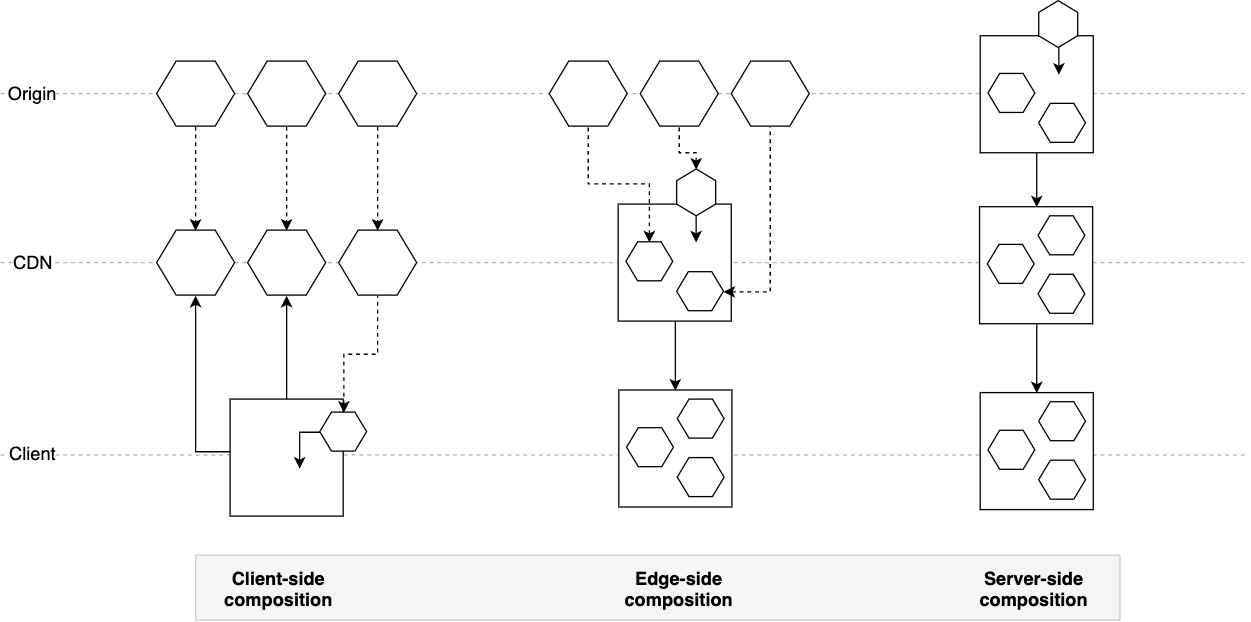
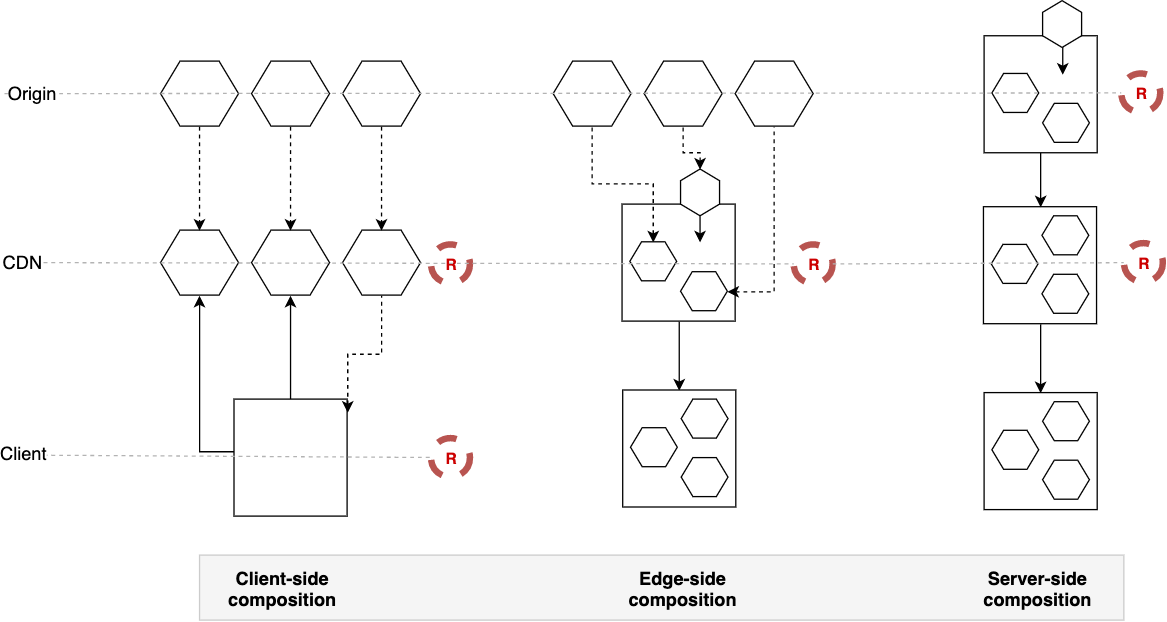
The topics covered are taking into account the client-side, server-side and edge-side implementations of this architecture.
Finally, I am going to share what will be my focus for 2022 to the micro-frontends ecosystem.
More upfront design
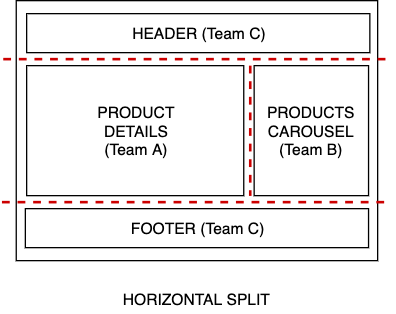
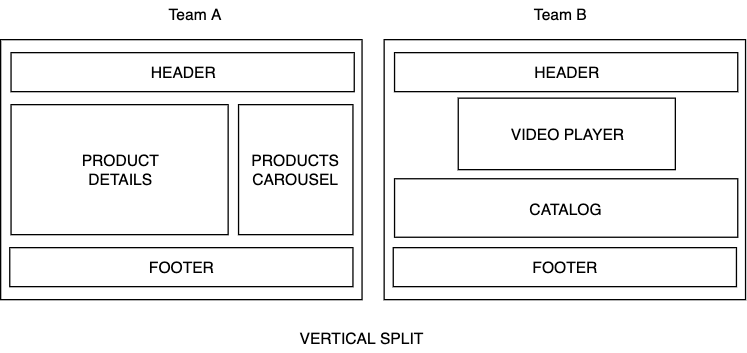
One of the main challenges for micro-frontend architectures is answering the question: how “micro” is a micro-frontend?
This is a question many organizations are facing, and in the reality, there isn’t only one answer, we need to understand the context, the organization structure and its size, and the communication flow between team.
After several engagements with multiple teams working on distributed architectures, I’ve seen many times “distributed components” more than a micro-frontends implementation.
With distributed components, the domain knowledge was shared across the container and the “micro-frontend” or even between the container and multiple “micro-frontends”.
We are still struggling to find the right boundaries and there is sometimes a lack of understanding of how we should interpret micro-frontends when we implement them.
I think this understanding is a necessary step towards better maturity, mastering the application business subdomains is not an easy task and requires a deep knowledge of the application we are building.
However, I think there is a potential solution for mitigate this challenge.
Investing more time upfront on the whiteboard revising with multiple parts of the organization how split our business domains without compromising the user experience is a must.
When we walk out from these meetings, we should be have enough ground covered to kick off the project with confidence and review our decisions on a regular cadence to make sure our initial assumptions are still valid for reaching our goals.
Remember that we cannot capture everything upfront, a business and an organization today is likely to change in 6 or 12 months so we should revisit our micro-frontends boundaries on a regular basis.
Also, never forget the link between organization structure and software architecture, it’s important to be aware of it and take it into account in our design decisions.
Micro-frontends communication
When we have multiple micro-frontends in the same view, at some point they need to communicate with each others.
In the mental model I created for designing micro-frontends, it’s encouraged to communicate between micro-frontends using a publish-subscribe pattern for enforcing the boundaries between micro-frontends, avoid or at least reduce the design-time coupling that leads to more autonomous teams.
For implementing technically this pattern there are several options such as Custom Events, an event emitter library, or even reactive streams.
An important requirement came up in the last few months that I didn’t put too much emphasis at the beginning, probably because I gave it for granted, but it’s definitely something to be aware of.
Like for event-driven architectures on the backend, having a clear schema for an event will help to avoid mistakes during the integration phase. Moreover, a schema provides a clear understanding of what’s going on inside a specific application also for tech people who are not working on the codebase directly.
I discovered in one of the many Slack channels I follow, this event-bus library that definitely helps achieve a more structured communication between loosely coupled elements (micro-frontends but not only): https://www.npmjs.com/package/@trutoo/event-bus
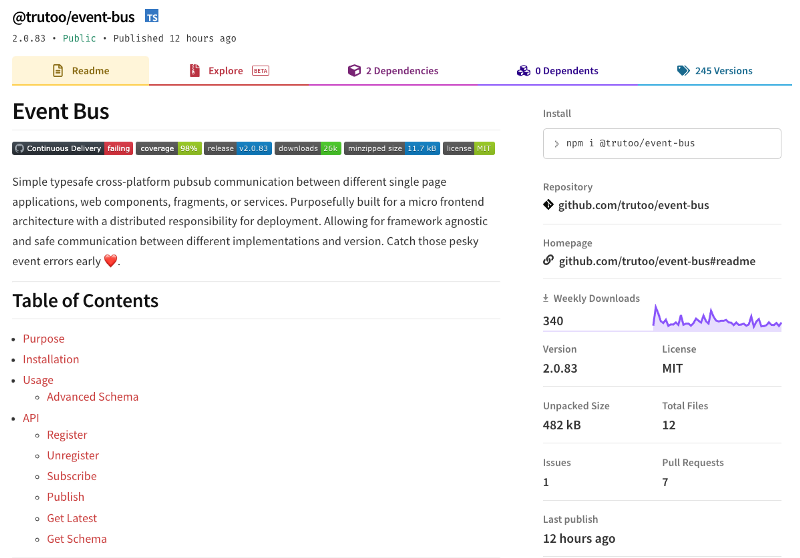
Considering micro-frontends is a distributed architecture, there is the need to have a more formal API or events management.
API or events are the way how teams interact, not only in micro-frontends.
It’s essential to understand that these practices are not helping only a developer to avoid mistakes when an event is sent but also facilitate the discussion between teams and provide clarity of intent.
I hope in the future there will be even more effort in simplifying the developer’s experience when we have large applications that are massively using loosely coupled communications strategies.
How nice would be having an event registry to consult every time we are developing new interactions between micro-frontends?
Finally, if you didn’t have a chance to see what PayPal is doing on micro-frontends communication, I highly encourage you to watch this great video!
https://lucamezzalira.wordpress.com/media/8ab1607c97e5b8f5865c7a8b340318faPayPal presentation during the Micro-Frontends Conference organized by hasgeek
Server-side rendering (SSR)
Server-side rendering architectures are the ones who are innovating more in the past few months, think about Next.js or the investment made by the team behind React 18 with server components.
We have some interesting solutions also on micro-frontends like module federation for Next.js, Piral, TailorX, ILC and many others.
For SSR micro-frontends applications there are quite a few topics we should start to look at more in depth.
These are the gaps I’ve individuated so far:
- micro-frontends discovery: like the service discovery pattern for microservices but applied to the frontend. Using this pattern we could compose micro-frontends dynamically without any static reference to an endpoint in a system.
Imagine a micro-frontends infrastructure self-registering to a discovery service and a UI composer retrieving micro-frontends from the discovery service instead of being point-to-point with the micro-frontends itself 🤯 - reference architectures on the cloud: there is a lack of guidance on how to build SSR micro-frontends architectures using popular cloud providers. This is a friction point that can be fixed relatively quickly and I want to help as much as I can.
- leverage the serverless paradigm with micro-frontends: I believe serverless can provide a great speed of development delegating the infrastructure management to a cloud provider. At the same time, we have to shift our mindset in understanding which services we should leverage for specific workloads like micro-frontends.
For instance, I see the value to use a service like AWS Step Functions for simplifying the creation of micro-frontends considering it provides great integration with the entire AWS ecosystem. This allows us to embrace a low-code model that in the long run will simplify the maintenance.
This is one of the many patterns we can use on the cloud, but exploring these patterns with micro-frontends can be extremely fascinating (at least for me 😅). - A framework-agnostic React server components approach: having a mechanism for atomically reloading a portion of a view using SSR when data changes on the backend and seamlessly integrating with client micro-frontends. This will allow a hybrid architecture mixing up CSR and SSR using the right approach for every micro-frontend. Probably we can create such a mechanism today, but having a sleek implementation like in React 18 would be the final goal.
As you can see there are many opportunities in front of us, some more tangible like the reference architecture one, some more longer-term like the agnostic React server components approach.
Of this list, my focus will be on covering the reference architecture as well as the investigation of using the serverless paradigm for micro-frontends. I’ve already started working on the prototype for the reference architecture and I have some interesting prototypes on the serverless side as well. Stay tuned for further updates 😉
Partial hydration
Performance is key for every frontend application, including micro-frontends ones.
It’s been a while since I heard about the concept of “islands architecture”, however, I believe in the end this architecture might fall under the micro-frontends umbrella due to its principles and characteristics.
The interesting technique that islands architecture introduces is the possibility to enhance the performance of our server-side rendering applications by leveraging partial hydration.
In a nutshell, instead of hydrating the entire page, only the “islands” visible to the users will be hydrated immediately and the others will be hydrated if/when the user will visualise them.
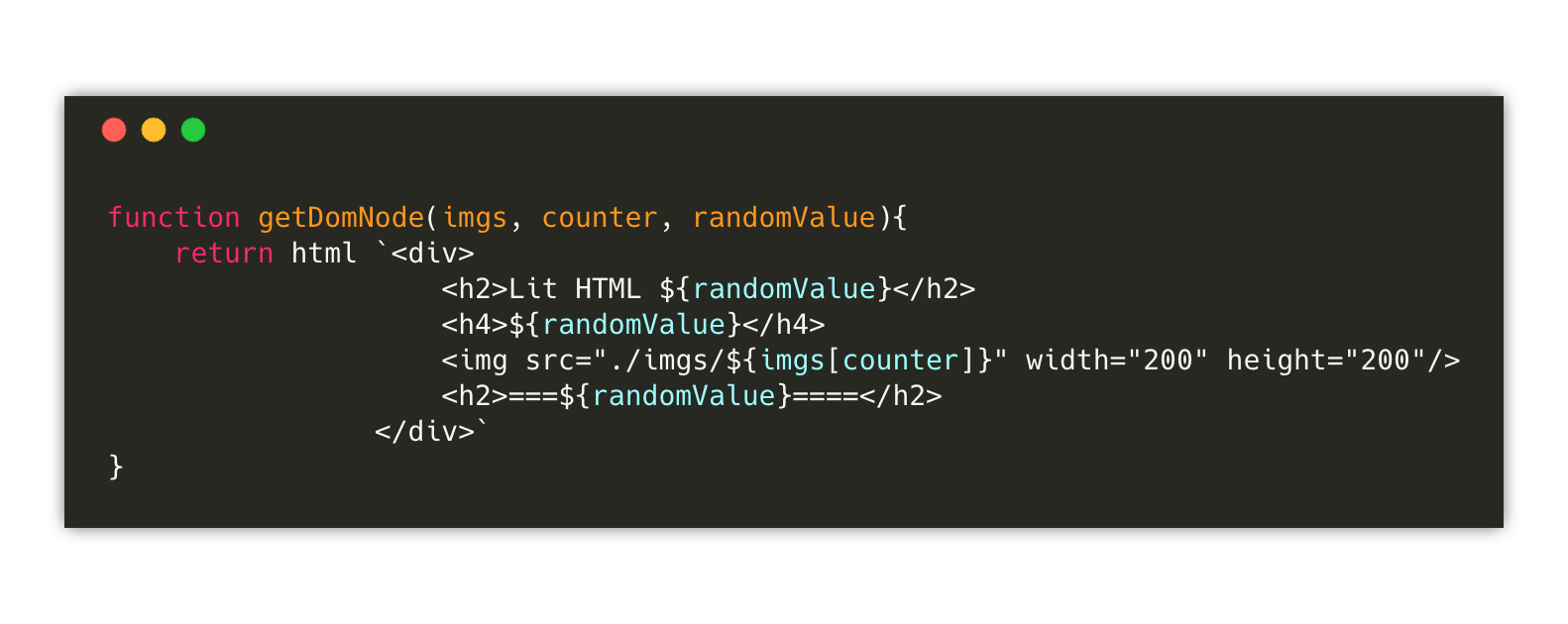
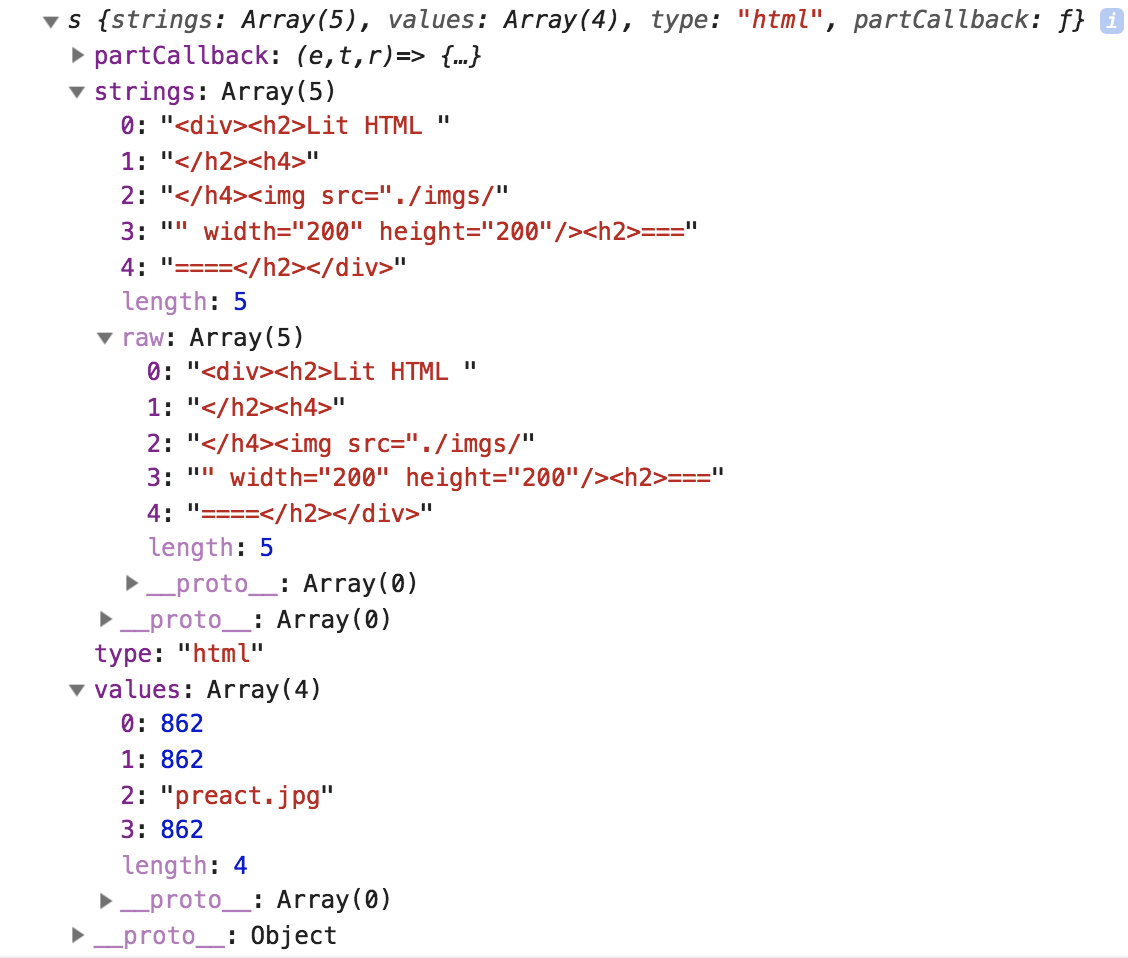
Partial hydration is not a new technique, it’s available since 2019 (if I remember well), but I didn’t see any reference to this technique in micro-frontends applications. Considering the nature of micro-frontends and how partial hydration works I believe this technique should gain more popularity for optimizing further our SSR micro-frontend applications.
In this post, Addy Osmani provides useful resources for understanding better the concept:
https://lucamezzalira.wordpress.com/media/05183d9218e2178a406d66ba817ac427Partial Hydration resources
Finally, if you are interested in this topic, I encourage you to have a read this post where there is a list of UI frameworks that might use partial hydration.
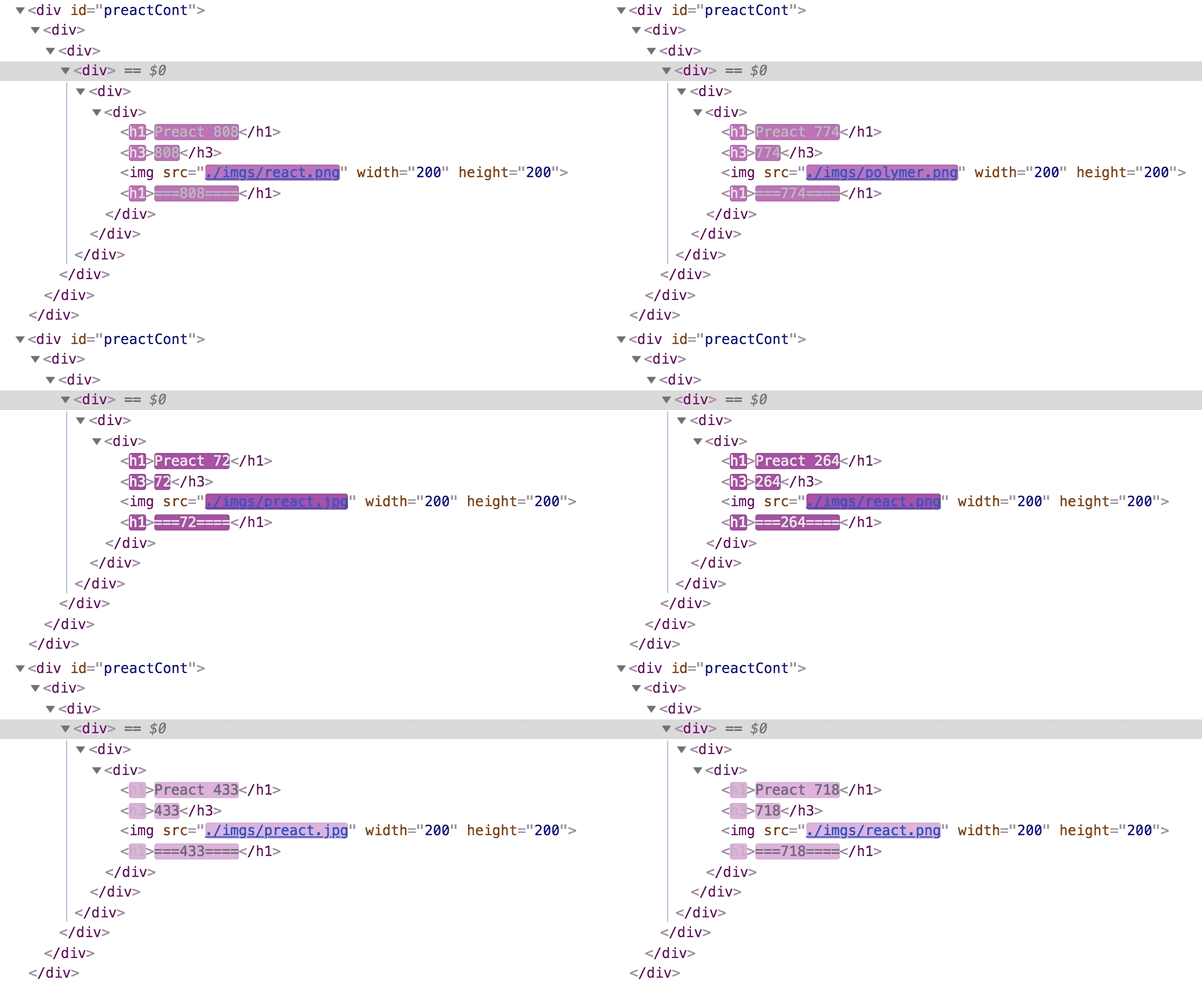
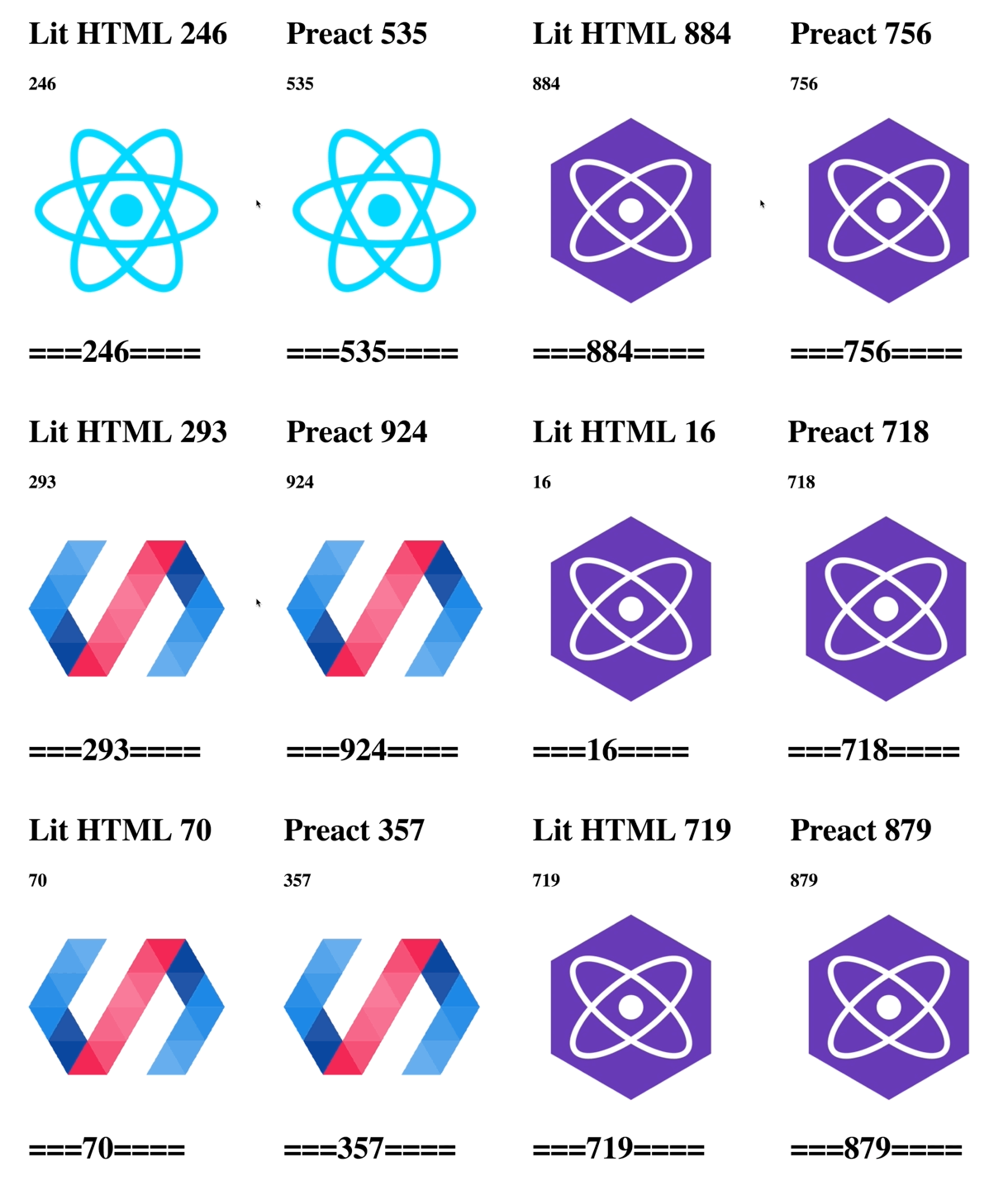
I’m currently experimenting with Preact in a micro-frontends proof of concept, hopefully, I’ll be able to share more insights soon.
Micro-frontends and edge computing
When we talk about micro-frontends at the edge, we often think about Edge-Side Includes (ESI) markup language.
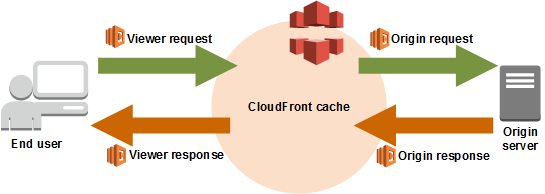
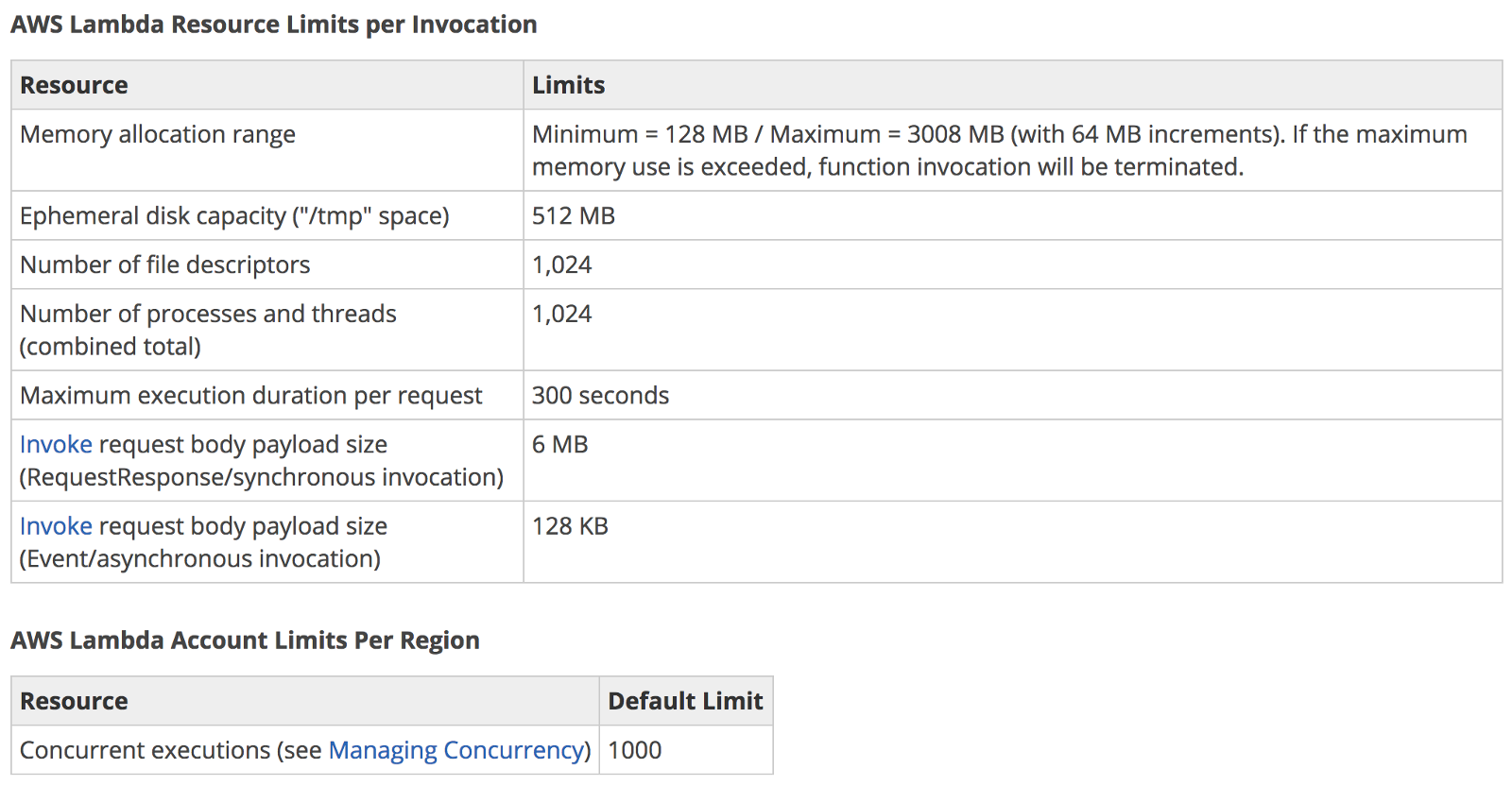
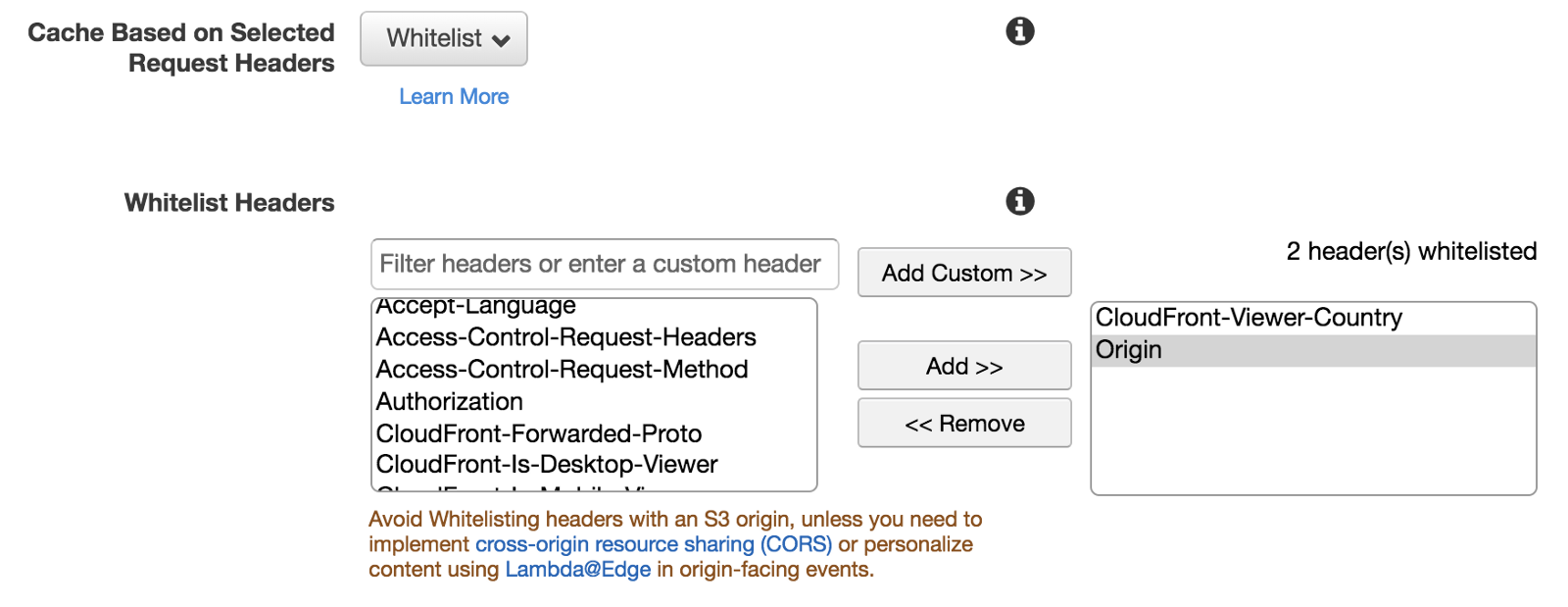
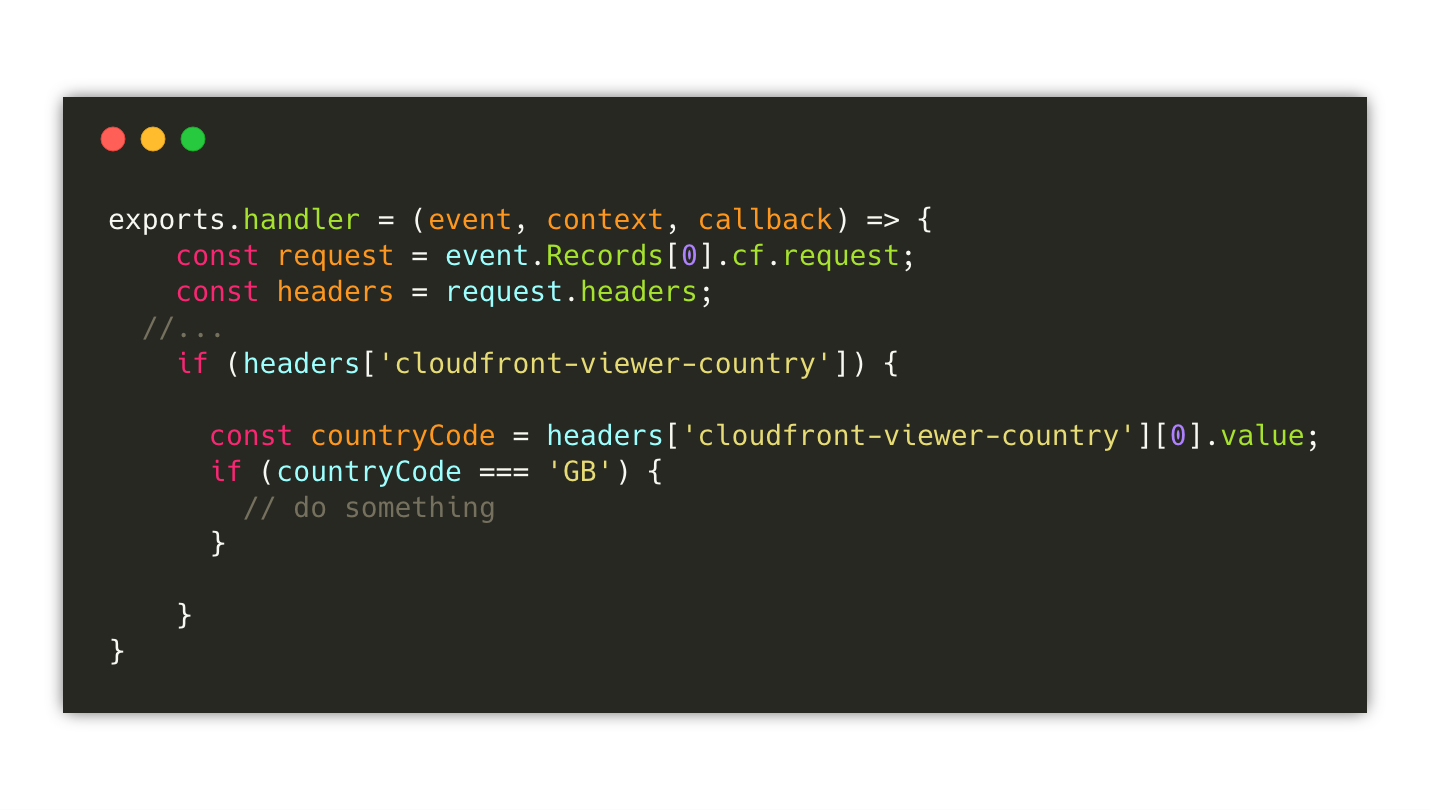
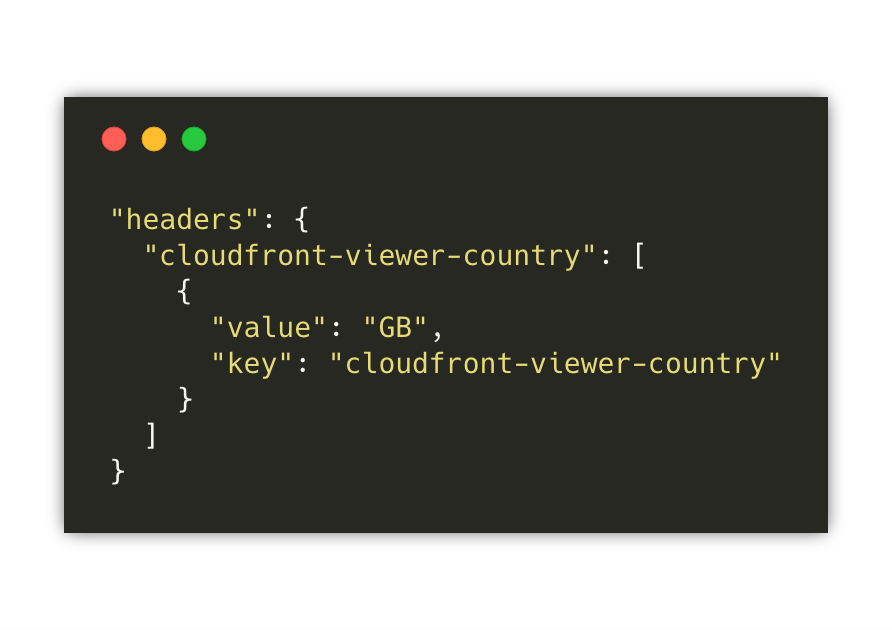
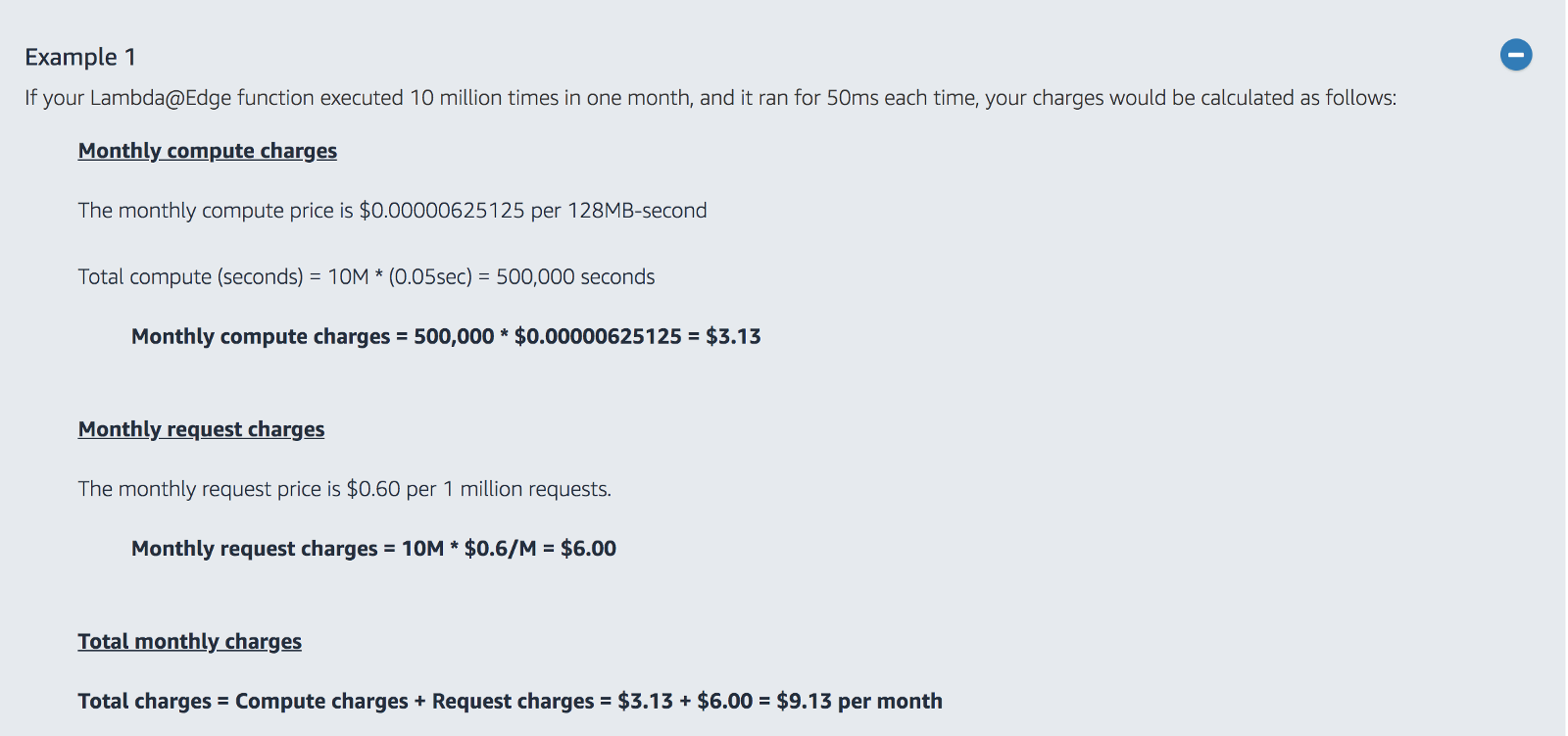
This time I am pointing to the compute capabilities that many CDNs are providing like AWS Lambda at the edge or Cloudflare workers.
The edge technologies are advancing fast and therefore part of applications can be moved towards the edge improving the latency and the scalability of our solutions.
However, in many web applications, we cannot consider only the computational effort to generate an HTML page using multiple micro-frontends but we need to account also the complexity of the entire application.
Computation is often the “easiest” problem to solve nowadays, less so when it comes to data gravity (database, multi-region data replication, writes vs reads with global infrastructure, data replication latency…), or authentication that usually is centralised and well secured in a specific region of your cloud infrastructure or even a data centre on-prem.
It’s true, SSR micro-frontends applications can benefit from edge computing but they require access to a multitude of other resources (data, authentication, caches…) that are not fully available on the edge yet.
We cannot really think to use the full power of the edge unless we have a workload very well encapsulated that doesn’t require any of these external dependencies.
I believe we will end up having a larger adoption of edge technologies in the future, but at the same time I think we have to understand better where edge technologies can be used with a real impact on our workloads and not just because is “cool” (hype-driven development anyone?) working with edge nodes.
In my opinion, edge computing will have great relevance for micro-frontends in the near future, especially for improving the applications’ performance, but it’s not as simple as it seems right now.
Deployment
In microservices, there are a set of consolidated practices for de-risking the deployment of new microservices versions like feature flags, blue-green deployment and canary releases.
In the past 12 months I didn’t see any effort for implementing similar practices with micro-frontends, a part from feature flags that look a well-known pattern for many teams.
I believe a deployment strategy that creates confidence in the development team is a must-have.
In a distributed system, where often continuous deployment is a reality, we have to create a safety net for developers who can iterate fast-moving their code from their laptop to a production environment without risking introducing bugs experienced by all the users in one go.
For SSR micro-frontends we can easily reuse existing tools and practices for releasing our infrastructure leveraging one of these mechanisms, although, those strategies are often not embraced for client-side rendering micro-frontends applications.
There are several ways we can implement them, client-side, server-side or even at the edge.
My recommendation is to implement one of these strategies as soon as possible because they can create a safer environment for your teams and the consequences might surprise you… in positive 😁
Routing
Strictly linked to the deployment strategy, client-side rendering micro-frontends applications are lacking a solid routing strategy.
All the implementations are using the same routing libraries we use to implement monolithic architectures.
Instead, I believe we can do better than this!
When we mix a routing library in conjunction with the deployment strategy described before, we can have a very smart routing that takes into account newer micro-frontends versions, different environments, or even different user roles.
We can also have tools that gradually increase the traffic towards versions and performs rollbacks in the same way.
For instance, when we develop containers or serverless workloads in AWS, we can easily set up the deployment strategy we prefer with a few lines of configuration:
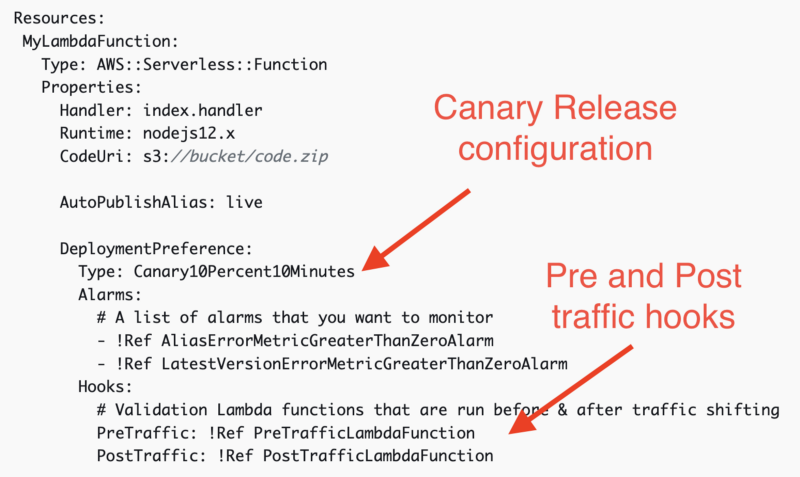
The routing in the application shell can be orchestrated easily via an external JSON that provides the different possibilities available without the need of integrating this information into the application logic.
Finally, when this static JSON is combined with deployment logic I believe the combination can bring a lot of value reducing the risk of new versions and allowing dynamic configurations based on any logic your business would like to implement.
The routing and deployment are definitely areas of interest for me. I’ll invest time during the next months to remove the undifferentiated heavy lifting and allow teams to better control their deployments and routing. I hope I’ll be able to share what I’m working on sooner rather than later because the working group is very excited about these two topics 🚀
Micro-frontends management
I didn’t explore (yet) this area, but I have a list of tools to try for understanding the PROs and CONs with micro-frontends.
My focus will be mainly on monorepo because I believe with poly-repo we don’t need extra tools for managing code like we have when there are multiple independent projects sitting in the same repository.
Currently, these tools caught my attention:
I believe all of them have some features that might help to structure a monorepo strategy improving the developers’ experience.
It’s a stretch goal for this year, not sure I’ll be able to invest enough time in reviewing every tool but I’ll definitely keep an eye on this space because I believe there are more unexplored opportunities to improve the developer experience even further.
Any suggestion on tools to try is more than welcome, especially if you can provide a brief review of them when you share your experience 😁
Summary
As you can see, there is still a lot of ground to cover in the micro-frontends ecosystem but we made great step forwards in the past years.
This for me it’s a super exciting opportunity to shape many areas of improvement for a “young” architecture that is raising success across enterprise organizations globally.
I’m sure there is more to discover, and I hope this fast adoption will bring new insights into what does and doesn’t work in distributed UIs architectures.
There are other topics on my radar like WebAssembly, better security on the client-side, streamlining even further the developers’ experience and more, but the topics listed in this post should provide food for thought for all the community to improve this novel way to scale our applications and organizations for the next few months.













 lucamezzalira.com